

Picking the best artificial intelligence tools for beginners to use in 2026 feels completely overwhelming when a new app launches every ten minutes. You want software that actually saves time instead of forcing you to study complex technical manuals or prompt engineering formulas for hours. Good software should simplify your everyday routine right away, working quietly in the background while you get real stuff done.
How to Choose the Best Artificial Intelligence Tools for Beginners to Use in 2026
Starting your journey with modern software should never require a computer science degree. The easiest way to avoid tech fatigue is focusing on apps that solve one specific, immediate friction point in your day. When I first started testing these platforms, I wasted weeks setting up convoluted systems that broke after two days.
Look for clean interfaces, clear free tiers, and natural language prompts that let you type like a normal human. The best artificial intelligence tools for beginners to use in 2026 prioritize intuitive design over raw technical complexity. If an app makes you feel stupid during the first five minutes of setup, drop it and try something else.
ChatGPT for Everyday Problem Solving and Brainstorming
OpenAI built ChatGPT into the standard starting point for anyone curious about conversational assistants. You can ask it to draft a difficult email, explain a confusing spreadsheet formula, or suggest meal ideas from whatever is sitting in your fridge. It feels like texting an absurdly knowledgeable friend who never runs out of patience.
This tool works best for generalists, students, and office workers who need quick answers and fast drafts throughout the day. The honest trade-off is its occasional overconfidence, often referred to as hallucinations, where it delivers incorrect facts with total conviction. Double-check any important numbers or citations before you send them to your boss.
Claude for Thoughtful Long-Form Writing and Document Analysis
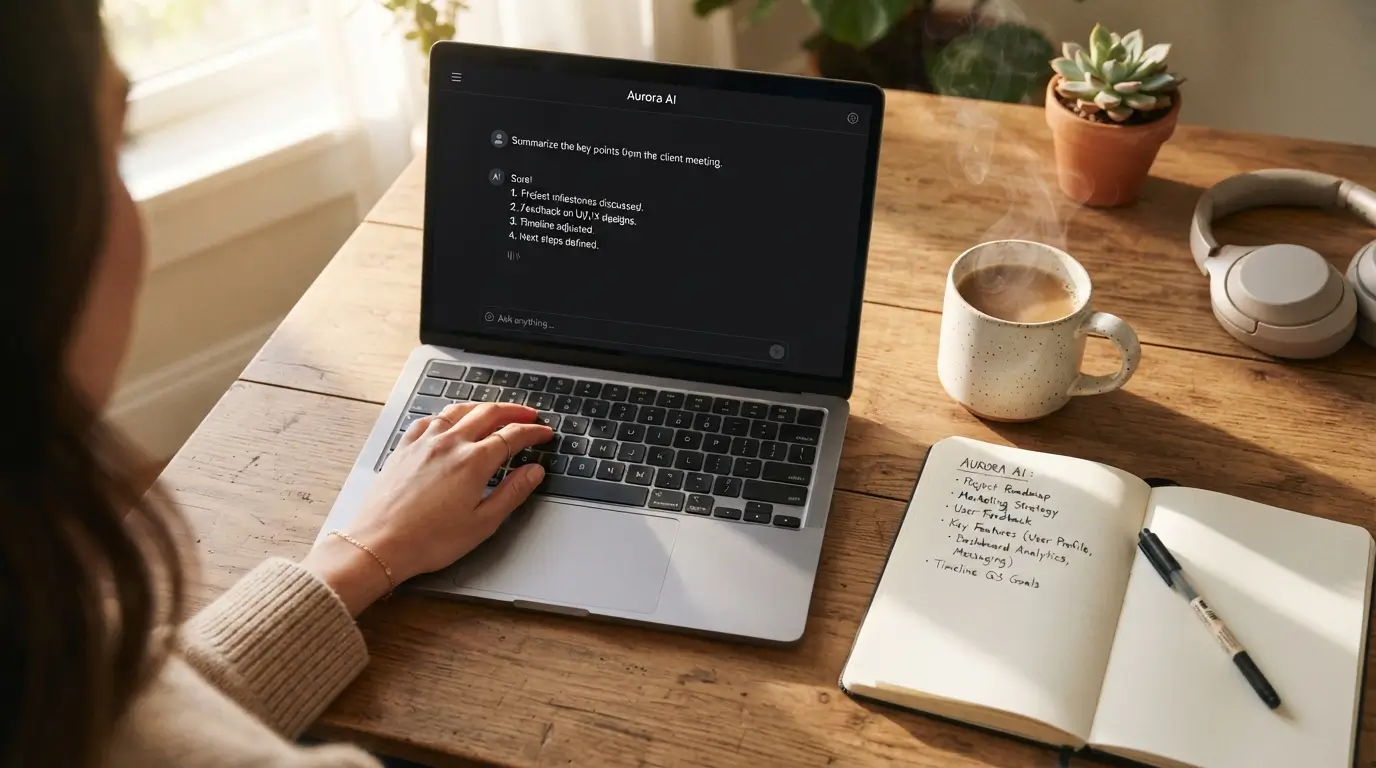
Anthropic created Claude with a clear focus on nuanced language and massive context handling. You can upload an entire fifty-page PDF manual, lease agreement, or financial report, and Claude summarizes the core points in seconds. Its writing sounds remarkably human, avoiding the robotic cadence that plagues many rival platforms.
Writers, researchers, and professionals who handle heavy reading loads will appreciate Claude the most. The main downside comes from its strict usage limits on the free tier, which can lock you out during busy afternoon hours. If you rely on it heavily during work sessions, you will eventually need the paid plan.
Perplexity AI for Sourced Web Research and Fact-Checking
Perplexity replaces the traditional search engine experience by answering your questions directly while linking its sources above each paragraph. Instead of clicking through ten blue links filled with sponsored ads, you get a clean summary with clickable footnote citations. It saves massive amounts of time when you need quick, verifiable information on current events or niche topics.
Anyone who spends hours researching topics for work or personal projects will find this app indispensable. The noticeable drawback is its tendency to summarize secondary sources rather than primary data, which occasionally leads to surface-level insights. It works wonders for an initial overview, but serious research still demands manual verification.
Canva Magic Studio for Effortless Visual Design
Canva built Magic Studio directly into its familiar graphic design dashboard, making image generation and photo editing accessible to non-designers. You type a short description of the graphic you want, and the platform generates social media banners, presentation slides, or flyer templates instantly. Features like one-click background removal and magic expand rescue poorly cropped photos in seconds.
Small business owners, social media managers, and teachers who need polished graphics without learning Photoshop will love this platform. The compromise lies in visual originality, as generated graphics can sometimes look generic or repetitive. However, for fast turnaround times on marketing collateral, nothing beats its simplicity.

Grammarly for Real-Time Writing Clarity and Tone Adjustment
Grammarly sits quietly in your browser and desktop apps, catching typos, passive phrasing, and confusing sentences as you write. Beyond basic spell-checking, it offers instant rewrites to adjust your tone from casual to formal with a single click. It prevents embarrassing mistakes in Slack messages, client proposals, and team emails before you hit send.
Remote workers, non-native English speakers, and busy managers who write constantly will get immediate value here. The main annoyance is the tool’s aggressive suggestions, which sometimes strip personal voice and flavor from creative pieces. Accept the grammar corrections, but feel free to ignore the stylistic prompts when you want your unique personality to shine.
Notion AI for Workspace Notes and Project Organization
Notion embeds smart generation features straight into your digital notebooks, databases, and project boards. It summarizes messy meeting notes, extracts action items with assigned owners, and drafts outlines right inside your existing workspace. Having these capabilities inside your primary productivity hub means you never have to copy and paste text between different browser tabs.
Solopreneurs, project managers, and organized students who already manage their lives in digital docs will benefit greatly. The key drawback is that Notion has a steep initial learning curve for total newcomers who have never built a database or page hierarchy before. If you already use Notion, adding the smart assistant is a breeze, but starting from zero requires patience.
Descript for Simple Video and Podcast Editing
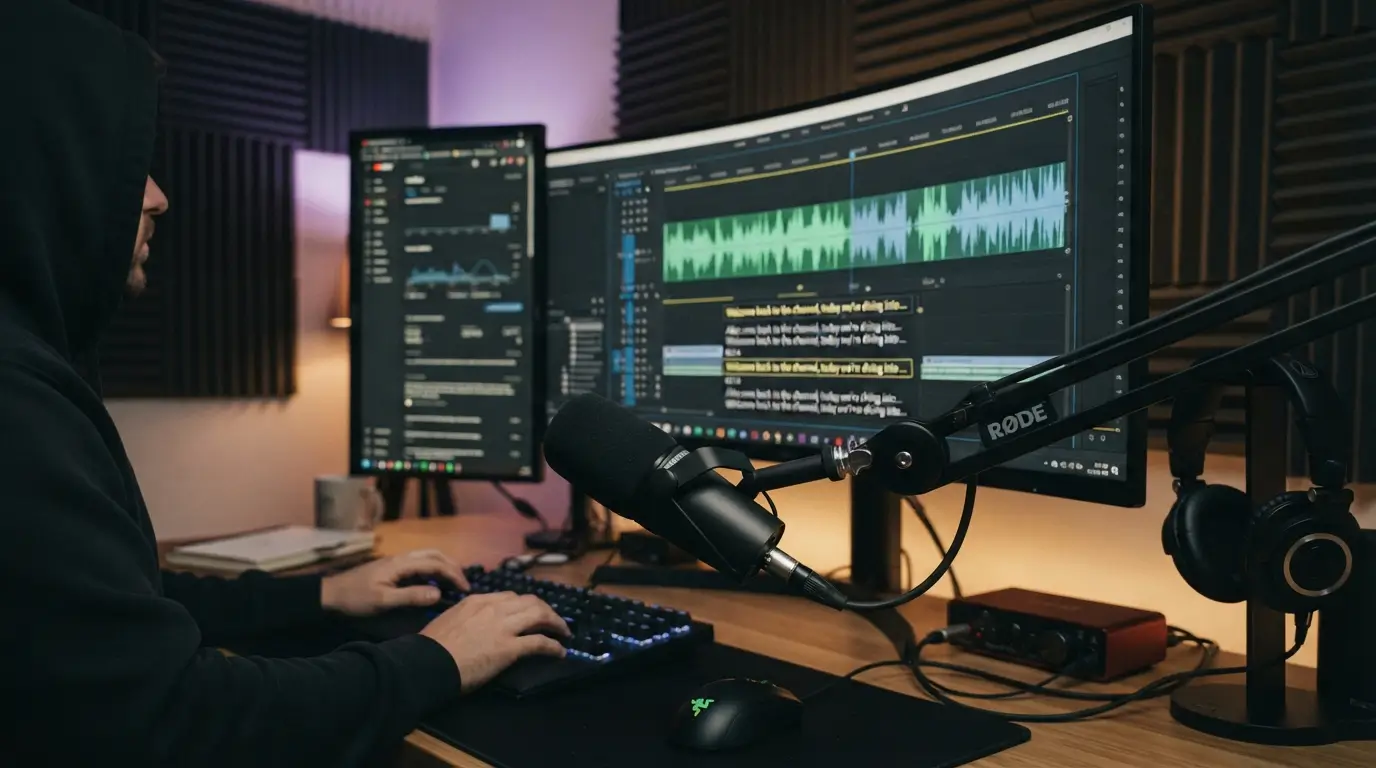
Descript approaches video editing like editing a text document. It automatically transcribes your audio and video files, allowing you to edit the media simply by deleting words or sentences from the text script. You can remove all filler words like “um” and “uh” across an entire hour-long recording with two clicks.
Beginner content creators, podcasters, and educators who dread traditional timeline-based video editors will find Descript revolutionary. The downside involves its heavy system resource demand, which can slow down older laptops during video rendering. Make sure your computer has decent memory if you plan to edit high-resolution video footage regularly.
Otter.ai for Automated Meeting Transcripts and Action Items
Otter connects to your Google Calendar or Zoom meetings, listening in real time to capture every spoken word accurately. It separates speakers by name, generates a searchable transcript, and delivers a bulleted summary of key decisions directly to your inbox. You can finally focus on engaging in conversations instead of frantically typing notes.
Freelancers, agency owners, and corporate teams stuck in back-to-back virtual calls will save hours every week. One real frustration is how Otter handles heavy background noise or overlapping conversations, which can scramble the transcript. Position your microphone properly and ask attendees to avoid speaking over each other for the cleanest results.
Zapier Central for Connecting Apps Without Technical Code
Zapier Central introduces a chat interface that lets you build automated workflows across thousands of web applications using plain language. You simply tell the assistant what you want to happen, such as copying new email attachments to Google Drive or notifying your team about new sales leads. It eliminates the need to understand webhooks or complex application programming interfaces.
Busy professionals and small teams looking to automate repetitive admin chores will appreciate the time saved. The noticeable limitation comes from plan pricing tiers, as monthly costs escalate quickly once your automation volume grows. Start with simple two-step automations to keep your monthly expenses low.
ElevenLabs for Realistic Voiceovers and Audio Generation
ElevenLabs generates shockingly natural human speech from written scripts in dozens of languages and accents. You can create professional voiceovers for video tutorials, presentations, or audiobooks without buying an expensive studio microphone or soundproofing your closet. The software captures subtle emotional nuances, breathing pauses, and natural pacing with incredible accuracy.
Creators, marketing teams, and educators producing multimedia content on a tight budget will find immense utility here. The primary trade-off is the strict character allotment on starter plans, meaning a few long video voiceover tests can burn through your monthly quota fast. Plan your scripts carefully before hitting generate to conserve your available balance.

Practical Tips for Testing New Software Without Overwhelm
Diving into modern technology works best when you adopt one platform at a time. Pick a single task that annoys you daily, whether that is writing follow-up emails or organizing meeting notes, and test a dedicated app for one full work week. IMO, trying to adopt five new platforms simultaneously guarantees you will abandon all of them within a fortnight.
Stick to free plans while exploring the best artificial intelligence tools for beginners to use in 2026 before entering any credit card information. Most tools offer generous entry tiers that provide plenty of power for everyday tasks. Keep your workflow lean, focus on measurable time savings, and upgrade only when an app proves its value in your daily routine.
Frequently Asked Questions
Which is the best artificial intelligence tool for absolute beginners to start with?
ChatGPT remains the friendliest entry point because the chat box feels completely familiar. You do not need technical knowledge or coding skills to get immediate value. Start by asking basic questions, asking for recipe adjustments, or polishing quick emails, and build your confidence from there.
Are these beginner software tools completely free to use?
Most top platforms provide functional free tiers that handle standard daily tasks without payment. You only need paid subscriptions if you require advanced capabilities, faster processing speeds, or higher usage caps. Test the free versions thoroughly for a couple of weeks before spending any money on upgrades.
Do I need to learn prompt engineering to get good results?
No, prompt engineering is largely unnecessary for general daily tasks. Speaking naturally in full, clear sentences works much better than memorizing rigid formulas. Tell the assistant who you are, what you need, and any specific constraints you want it to follow, just like talking to a coworker.
How do I protect my personal data when using these apps?
Avoid typing sensitive private data, passwords, financial records, or confidential company files into free public models. Most platforms offer privacy settings in your account profile where you can disable model training on your chat history. Take two minutes to turn those data sharing settings off.
What hardware do I need to run these beginner platforms smoothly?
You only need a standard laptop, tablet, or smartphone with an active internet connection. Because almost all modern platforms process data on remote cloud servers, your local computer hardware does not matter much. A standard web browser like Chrome, Safari, or Edge runs everything smoothly.
Conclusion
Finding the right software comes down to solving your specific daily headaches rather than chasing every shiny new release. Pick one tool from this list today, spend fifteen minutes playing with it, and see how much time it puts back into your schedule. Which tool are you planning to test out first this week?
Also Read; Best Technology Trends That Will Shape the Future of Our Lives 2026