

Figuring out how to use technology to make studying easier and more effective saved my grades when college deadlines threatened to crush me. Staring at five open browser tabs while drowning in messy paper notes felt like a punishment. You do not need another chaotic app collection to succeed. A few deliberate digital adjustments completely change your retention, cut your study hours, and bring sanity back.
Centralize Your Notes into a Single Digital Workspace
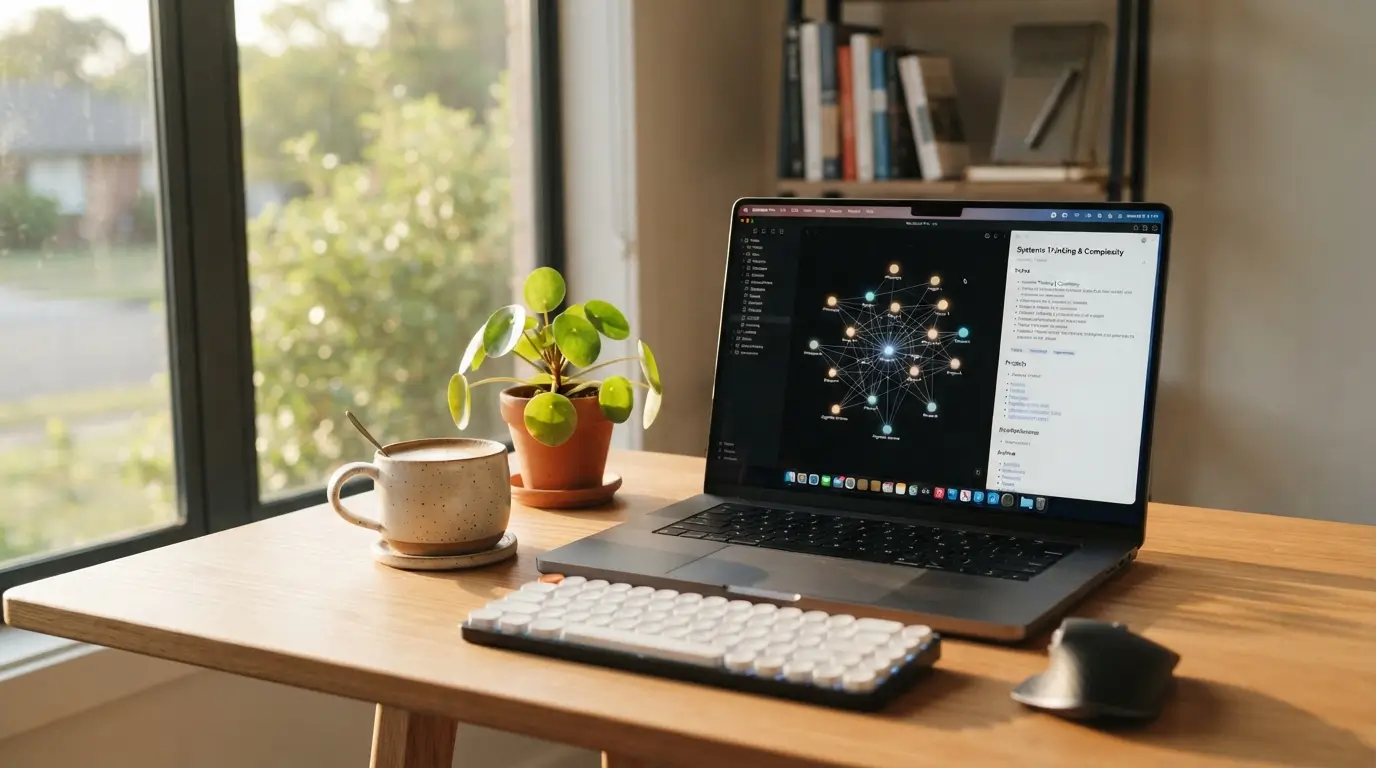
Scattered physical binders and random desktop files create mental friction before you even read a single page. I spent years scribbling notes across spiral notebooks, only to realize I could never locate key formulas before midterm exams. Moving everything into Notion or Obsidian fixed that problem immediately. When you store lecture slides, textbook summaries, and project outlines in one spot, your brain spends energy learning material instead of hunting for misplaced documents.
Set up a clean folder structure based on courses or project topics. Build a unified searchable knowledge base that lets you pull up specific definitions with a quick keyboard shortcut. I prefer linking related concepts together using bidirectional links, which creates a web of interconnected ideas across different subjects. You do not need complicated templates with fifty widgets. Keep your layout clean and minimal, because spending hours designing pretty dashboards is just sophisticated procrastination.
How to Use Technology to Make Studying Easier and More Effective with Spaced Repetition
Passive reading gives you a false sense of security. You highlight three paragraphs in yellow, nod along, and forget everything by tomorrow afternoon. Digital flashcard tools like Anki or RemNote solve this by forcing your brain to retrieve facts right before you forget them. Their algorithms automatically schedule cards based on your past recall performance, saving you countless hours of reviewing cards you already know.
Create your own cards rather than downloading premade decks whenever possible. The act of writing questions and concise answers forces you to digest the information first. Focus on active recall testing by making cards with short, bite-sized questions rather than massive paragraphs of text. Review your queue daily for twenty minutes while drinking coffee. Consistency matters far more than cramming hundreds of cards on Sunday night.
Turn Complex Reading Materials into Interactive Audio
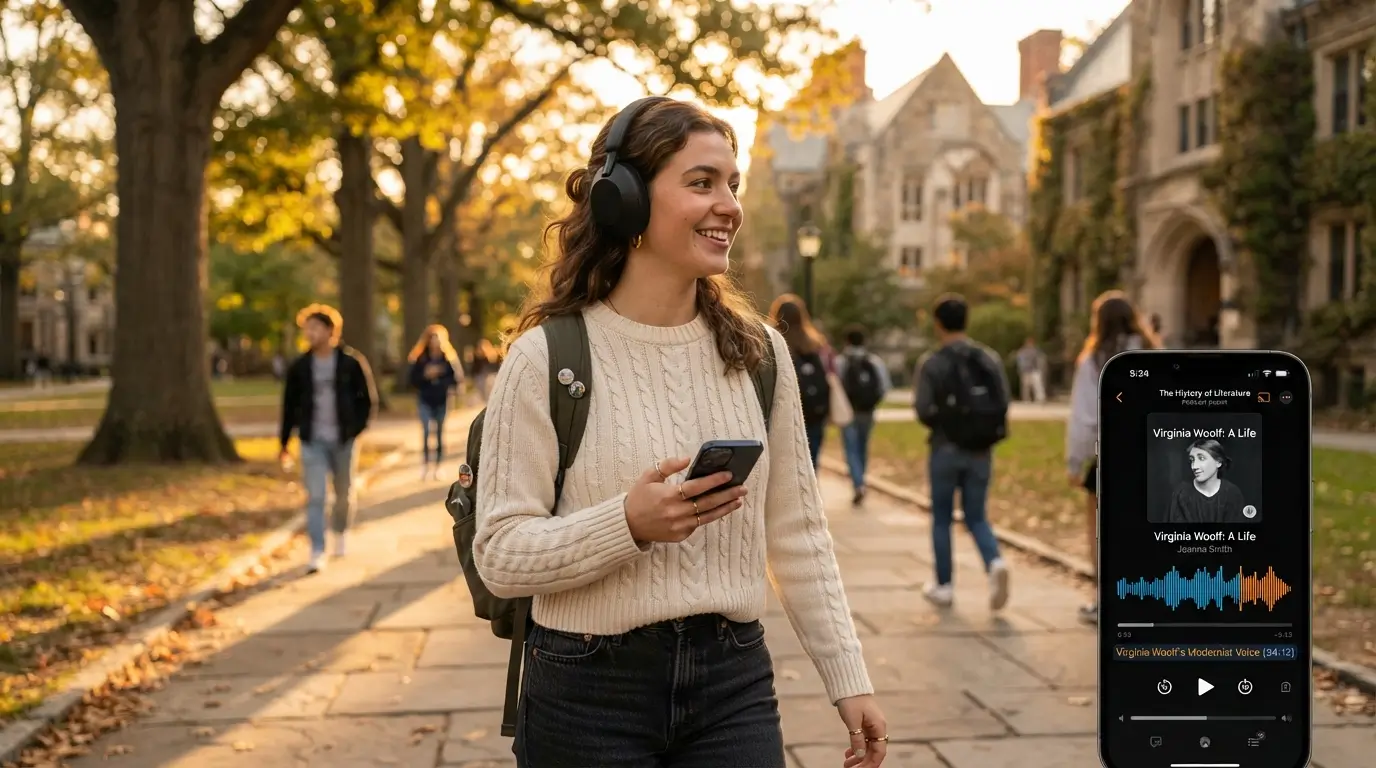
Sitting still for four hours staring at a dense PDF textbook will put anyone to sleep. When my eyes get exhausted from reading heavy academic papers, I convert the text into high-quality spoken audio. Platforms like Speechify or NaturalReader read digital documents aloud using surprisingly realistic voices. Listening while reading along doubles your comprehension and keeps your mind from wandering off into daydreaming.
Load your weekly chapter assignments into your favorite text-to-speech software and put on your headphones. You can listen while taking a brisk walk outside or cleaning your desk. Increase the playback speed slightly to 1.25x or 1.5x once you get comfortable with the narrator. This keeps your focus locked on the material and gets you through sixty pages of assigned reading in half the usual time.
Automate Your Focus Sessions to Eliminate Digital Fatigue
Your phone is engineered by brilliant designers to steal your attention every three minutes. Realistically, understanding how to use technology to make studying easier and more effective means setting strict boundaries around screen time. I rely on Cold Turkey on my laptop and Forest on my phone to physically lock me out of social media feeds during deep work blocks.
Schedule forty-five minutes of intense work followed by a mandatory ten-minute break away from screens. Install reliable website blockers that completely cut access to distracting video sites and news outlets during these study sprints. If willpower alone worked, nobody would struggle with procrastination. Let automated software handle the discipline so you can focus entirely on the difficult problems in front of you.
Use AI as an Interactive Socratic Tutor Instead of a Shortcut
Copying homework answers from an artificial intelligence tool teaches your brain nothing and ruins your test prep. Instead, treat large language models like a patient tutor who never gets tired of answering questions. Ask the tool to explain difficult concepts like cellular respiration or contract law using plain language and real-world analogies.
Feed the system your summarized notes and ask it to generate a ten-question quiz testing your analytical understanding. Practice using Feynman technique prompts where you explain a concept to the AI and demand that it critique gaps in your explanation. If you cannot explain the topic clearly to the software, you do not understand it well enough for the exam. This interactive loop identifies weak spots in minutes without waiting for office hours.

Organize Deadlines with Visual Project Management Boards
Missing an assignment because you forgot to check an obscure syllabus is the worst feeling in school. Fortunately, when you figure out how to use technology to make studying easier and more effective, project management apps prevent deadline panic. Trello and Todoist let you turn large semester goals into small, actionable cards that you drag across visual columns.
Break every major term paper down into distinct milestones like topic selection, literature review, rough drafting, and final proofreading. Implement backward scheduling by plotting these milestones on Google Calendar starting from the final due date and working toward today. Assign specific completion dates to each component rather than staring at one giant terrifying deadline. Checking off small digital subtasks provides quick momentum that keeps you moving forward steadily.
Digitize Handwritten Notes for Fast Searchability
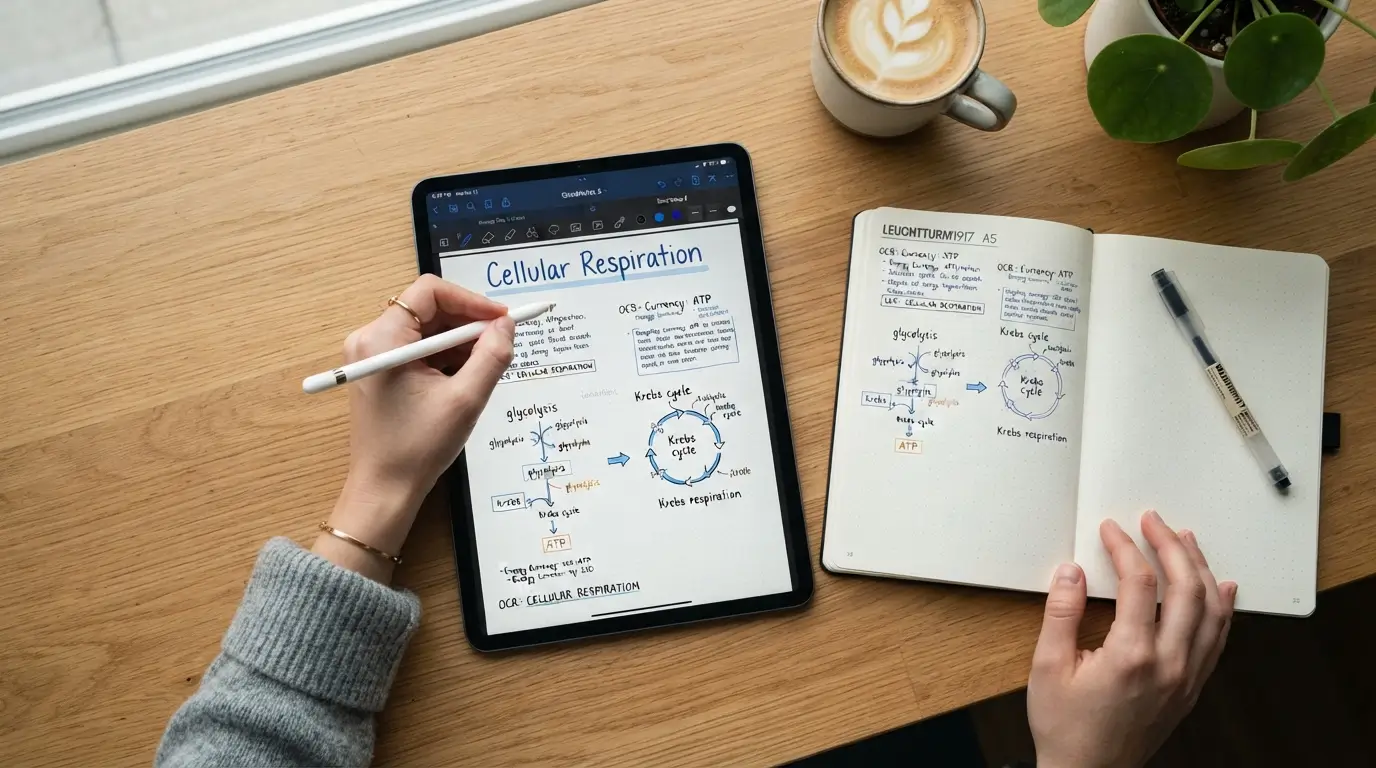
Writing by hand boosts memory retention, but physical notebooks are terrible for quick keyword searches when test week arrives. Tablet apps like GoodNotes or Notability give you the physical feeling of writing with a stylus while capturing everything digitally. You get the cognitive benefits of hand drawing diagrams combined with the organizational power of a computer.
If you prefer traditional pen and paper, use your phone camera alongside scanning tools to capture pages after every class. Modern optical character recognition scans your handwriting and makes your scribbled margins completely searchable. Tag your scans by date and subject title immediately so they do not sit in your camera roll forgotten forever. You will thank yourself when reviewing three months of material during finals week.
Build a Low-Friction Cloud Backup Routine
A laptop crash the night before a major assignment is a horror story every student dreads. Above all, learning how to use technology to make studying easier and more effective requires protecting your hard work from hardware crashes. Setting up cloud storage takes ten minutes and permanently removes the fear of catastrophic data loss.
Route your primary study folder directly through Google Drive, Dropbox, or OneDrive. Enable automated cloud synchronization so every saved draft uploads to remote servers instantly without manual dragging and dropping. FYI, keeping local copies on an external thumb drive once a month adds an extra layer of peace of mind. Losing twenty hours of research because an operating system update corrupted your hard drive is completely preventable.
Frequently Asked Questions
How do I avoid getting distracted while using tech for school?
Use dedicated app blockers to lock yourself out of social media and entertainment feeds during study sessions. Turn off notifications on your phone or keep it across the room in another space. Separating your study browser profile from your personal entertainment profile also keeps your focus sharp.
What is the biggest mistake students make with study software?
The biggest trap is over-complicating your setup by downloading ten different apps at once. Spending hours designing custom dashboards or formatting aesthetic templates is just disguised procrastination. Pick two or three reliable tools, stick to basic functions, and focus your energy on learning the actual academic material.
Can using technology to make studying easier ever backfire during exams?
Relying too heavily on digital aids without testing raw memory can backfire on pen-and-paper exams. If software always generates summaries for you, your brain skips the hard work of synthesizing data. Always test your independent recall without looking at screens before sitting down for a real exam.
Do I need paid subscriptions to build an effective digital study system?
Free software versions offer plenty of power for almost any academic workload. Tools like Anki, Google Drive, Notion, and Obsidian provide robust free tiers that handle notes, flashcards, and organization easily. Upgrade to paid tiers only if a specific feature saves you noticeable time each week.
How many different apps should I realistically use?
Stick to a lean stack of three core apps for your daily workflow. You need one workspace for notes, one system for flashcards, and one digital calendar for deadlines. Adding more software creates administrative clutter that slows you down instead of speeding up your progress.
Conclusion
Building an efficient digital study setup is all about removing friction, not adding extra complexity to your day. Pick one tool from this guide, test it out on your next assignment, and see how your workflow improves. Which digital tool is currently making the biggest difference in your study routine?
Also Read; Learn New Skills Online Without Spending a Lot of Money 2026