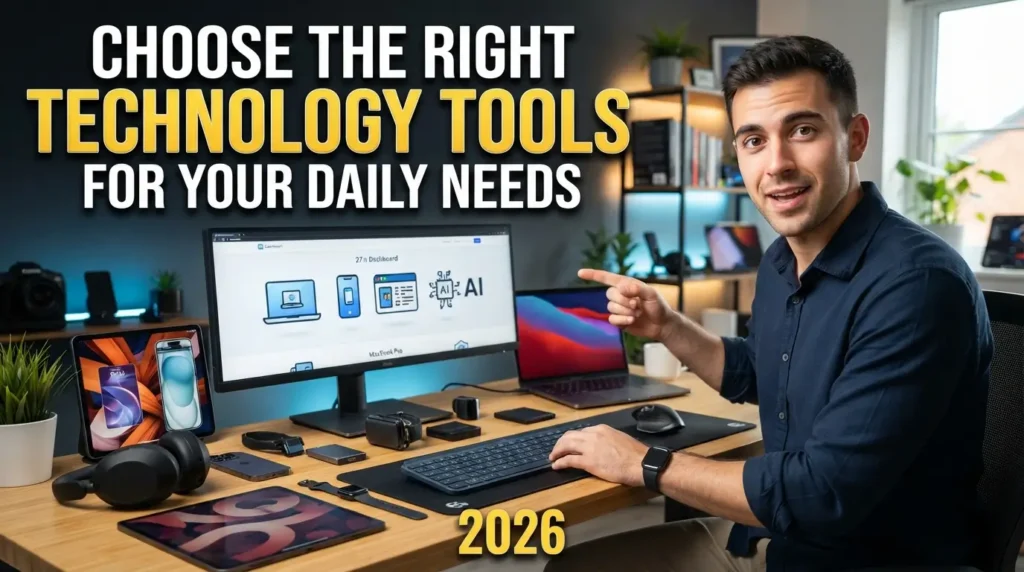

Learning how to choose the right technology tools for your daily needs saves your sanity. My phone used to look like an app graveyard, crammed with productivity software I abandoned after two days. That constant cycle of downloading flashy software and feeling overwhelmed afterwards drains your energy fast. Finding things that actually simplify your day requires a much simpler strategy, starting with honesty about how you work.
Audit Your Daily Frustrations First
Start by writing down where your workday grinds to an unexpected halt. Most people jump straight to the app store to find solutions for problems they have not clearly defined yet. You might think you need a complex project manager when your actual issue is simply forgetting to reply to client emails on time.
Keep a paper notebook on your desk for three consecutive working days. Jot down every moment you sigh with annoyance, lose a file, or miss a personal deadline. These pain points reveal your genuine workflow friction instead of an imaginary problem invented by software marketers.
Once you pinpoint the real leak in your schedule, you can look for software built specifically to patch that gap. A messy desktop or a chaotic schedule cannot be fixed by an algorithm if you do not understand what causes the clutter in the first place.

How to Choose the Right Technology Tools for Your Daily Needs by Defining Core Jobs
Every single piece of software on your device must justify its existence with a clear task. High-performance software teams use a concept called jobs to be done, and you should apply that exact filter to your personal setup. Ask yourself what single outcome you expect when you tap an icon on your screen.
If you open Notion to write quick grocery lists, you will get annoyed by slow loading screens and complicated page databases. A lightweight app like Apple Notes or Google Keep solves that specific job in two seconds flat. Reserve heavy-duty tools for complex projects like long-form writing or team databases.
Choosing software based on single utility prevents feature overload. When an application tries to do everything, from habit tracking to spreadsheet management, it usually does none of those things comfortably. Focus on tools that perform their primary role with zero lag.
Prioritize Cross-Platform Reliability Over Fancy Features
Slick marketing graphics often hide painful sync errors and clunky mobile experiences. You might find a gorgeous desktop task manager that looks stunning on a monitor, but if the companion mobile app fails to update when you are away from your desk, the entire system collapses.
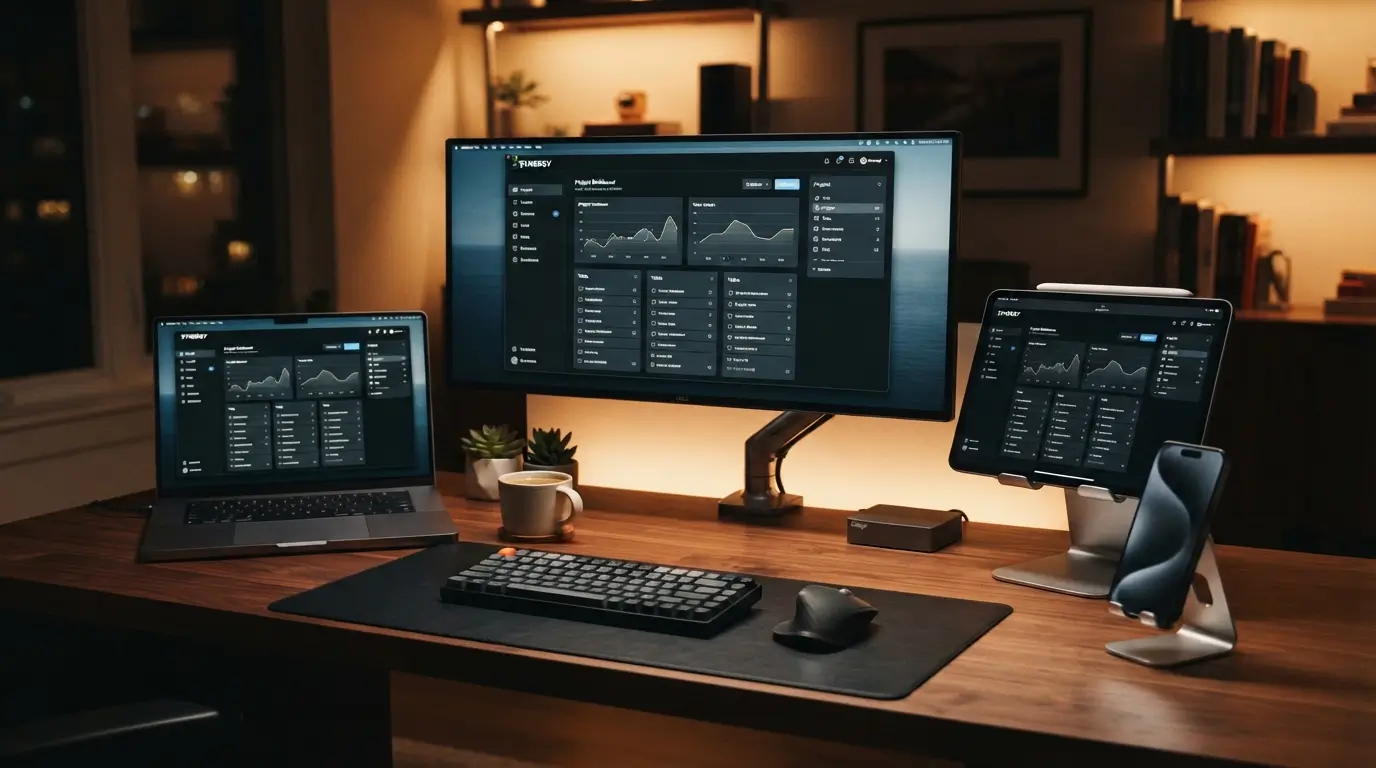
Your software stack must match the exact hardware ecosystem you already own. If you work on a Windows computer at the office and carry an iPhone in your pocket, choosing Apple-exclusive tools creates an immediate bottleneck. Look for services like Todoist, Obsidian, or Google Drive that offer flawless synchronization across web, desktop, and mobile platforms.
Pay attention to platform compatibility before you migrate any important data. A fast, plain-looking tool that updates your notes instantly across all your devices beats an elaborate app that leaves you waiting on a loading spinner while standing in a checkout line.
Test One Software Solution at a Time
Installing four new task managers on a quiet Sunday afternoon guarantees chaos by Tuesday morning. When you try to overhaul your digital life overnight, you spend more time configuring color codes and adjusting settings than doing actual work.
Commit to a strict seven-day trial whenever you test a replacement app. Pick one contender, migrate a handful of active tasks or notes, and use it exclusively throughout a regular working week. Resist the temptation to tweak layouts during business hours.
Pay close attention to how you feel during moments of peak stress. If an interface feels clunky when you are rushing to meet a deadline, that software is not the right match. When deciding how to choose the right technology tools for your daily needs, a controlled trial exposes hidden design flaws before you commit your entire schedule to a broken system.
Check the Total Cost and Exit Options
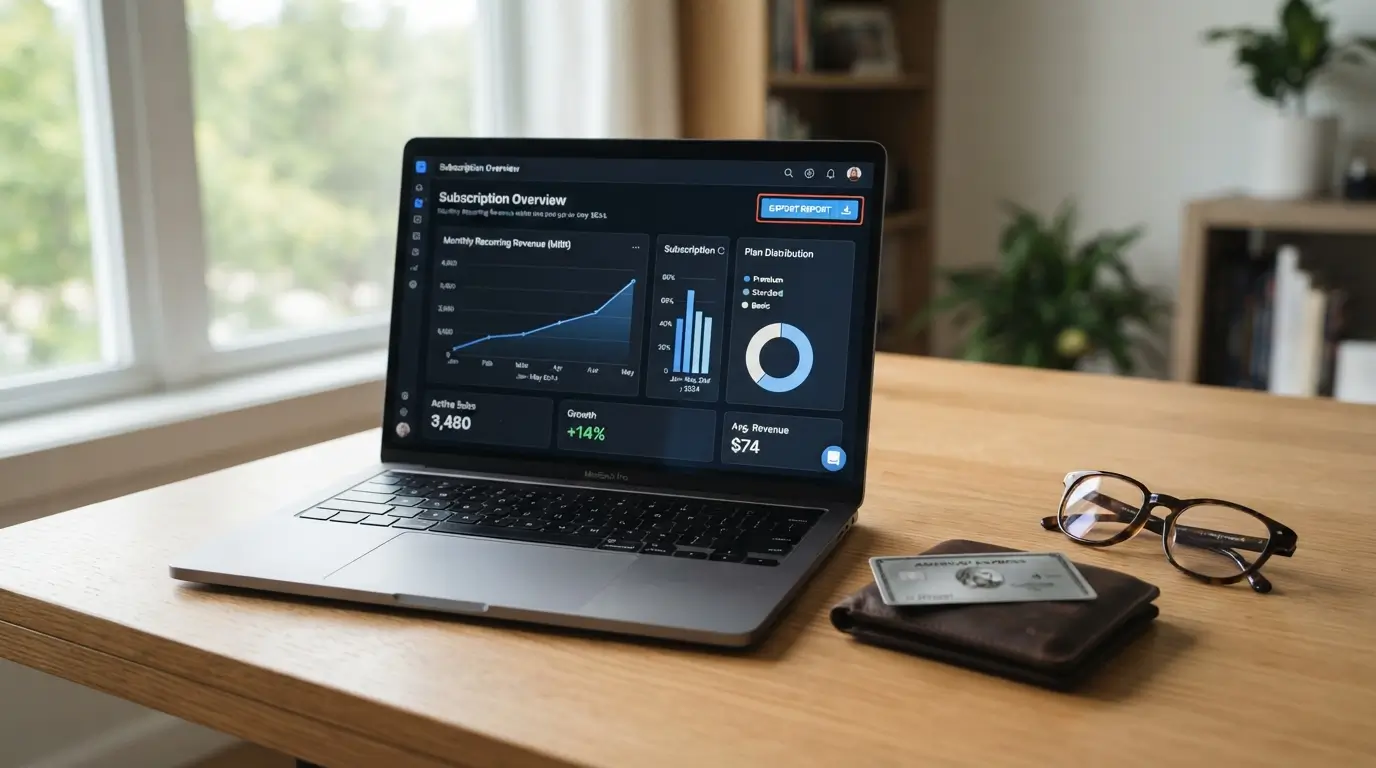
Recurring subscriptions add up quickly and quietly empty your bank account every month. A software tool charging eight dollars a month seems harmless until you realize you are paying for six different services that perform overlapping jobs.
Always calculate the full annual price of an application before putting down a credit card. Check whether the free tier provides enough functionality for your personal routine. Many independent developers offer lifetime licenses or generous free tiers that easily cover everyday needs without locking you into endless monthly billing cycles.
Never trust an app that traps your information behind a proprietary wall. Check the settings menu for robust data portability features before adding valuable notes or files. Ensure you can export your information into universal formats like CSV, PDF, or plain text Markdown so you can walk away whenever a company changes pricing or shuts down.
Build a Low-Maintenance Digital Routine
The best tech setup operates quietly in the background without demanding constant tinkering. If a digital tool requires thirty minutes of daily organization just to keep running, it acts like a second job rather than an assistant.
Establish simple operational boundaries for every program you install. Silence non-critical notifications, turn off marketing badges, and stick to a basic folder structure. A clean layout with three broad categories always outperforms a maze of nested subfolders that take several clicks to search through.
Run a monthly cleanup session to archive completed projects and delete dead files. Ultimately, mastering how to choose the right technology tools for your daily needs means knowing when to stop tweaking settings and get straight to living your life. A genuinely frictionless system gives you time back rather than demanding more screen time.

Frequently Asked Questions
How many apps do I actually need for daily productivity?
Most people only require three core tools: a reliable calendar, a simple to-do list, and a fast note app. Adding more layers usually leads to confusion and duplicated effort. Stick to the basics until you hit an obvious bottleneck that your current setup cannot handle.
Should I pay for software subscriptions or stick to free tools?
Start with free tiers or built-in system tools like Apple Notes and Google Drive. Upgrade to paid plans only when a specific feature directly saves you billable time or solves a clear limitation. Paying upfront for advanced features you might never use wastes hard-earned cash.
What is the biggest mistake when selecting tech tools for personal routines?
The most common blunder is building an overly complex system before establishing the underlying habit. People spend days designing elaborate dashboard templates instead of finishing their actual tasks. Choose the simplest tool that gets the job done, and build the routine before introducing advanced software.
How often should I review my software setup?
Run a quick audit every six months. Check your bank statements for unused subscriptions, delete apps you have not opened in thirty days, and clean out messy folders. This periodic check keeps your digital workspace tidy and stops software clutter from slowing down your daily workflow.
What should I do if an app I rely on gets discontinued?
Export your data immediately using open formats like CSV, PDF, or plain text Markdown. Next, look for established alternatives with strong community backing and transparent export policies. Keeping regular offline backups of your critical information protects you from unexpected shutdowns or sudden price increases.
Conclusion
Building a smooth digital setup takes deliberate pruning rather than collecting every shiny new app on the market. Once you find a reliable rhythm with software that stays out of your way, stick with it and protect your time. What is one tool on your home screen you simply cannot live without?
Also Read; Best Artificial Intelligence Websites and Tools for Everyday Users 2026