
Finding the best online resources for learning technology and digital skills usually starts with ambitious goals and ends in total browser tab overload. You buy a course on sale, watch three videos, and abandon it because the instructor sounds robotic. I spent years testing self-paced libraries, interactive sandboxes, and cohort bootcamps to separate genuinely practical platforms from overpriced, outdated marketing hype.
1. Coursera
Coursera partners with recognized universities and tech giants to deliver structured academic coursework. You will find complete degree tracks alongside standalone courses in Python programming, machine learning, and cloud architecture from institutions like Stanford and deeplearning.ai. The platform works best for career switchers who value structured syllabi, weekly assignment deadlines, and graded homework. Choosing the professional certificates track gives you direct exposure to real industry tools like Google Cloud and AWS console workflows.
The primary downside involves the interface bloat and inconsistent grading quality in peer-reviewed assignments, where random students grade your submissions rather than industry experts.
2. freeCodeCamp
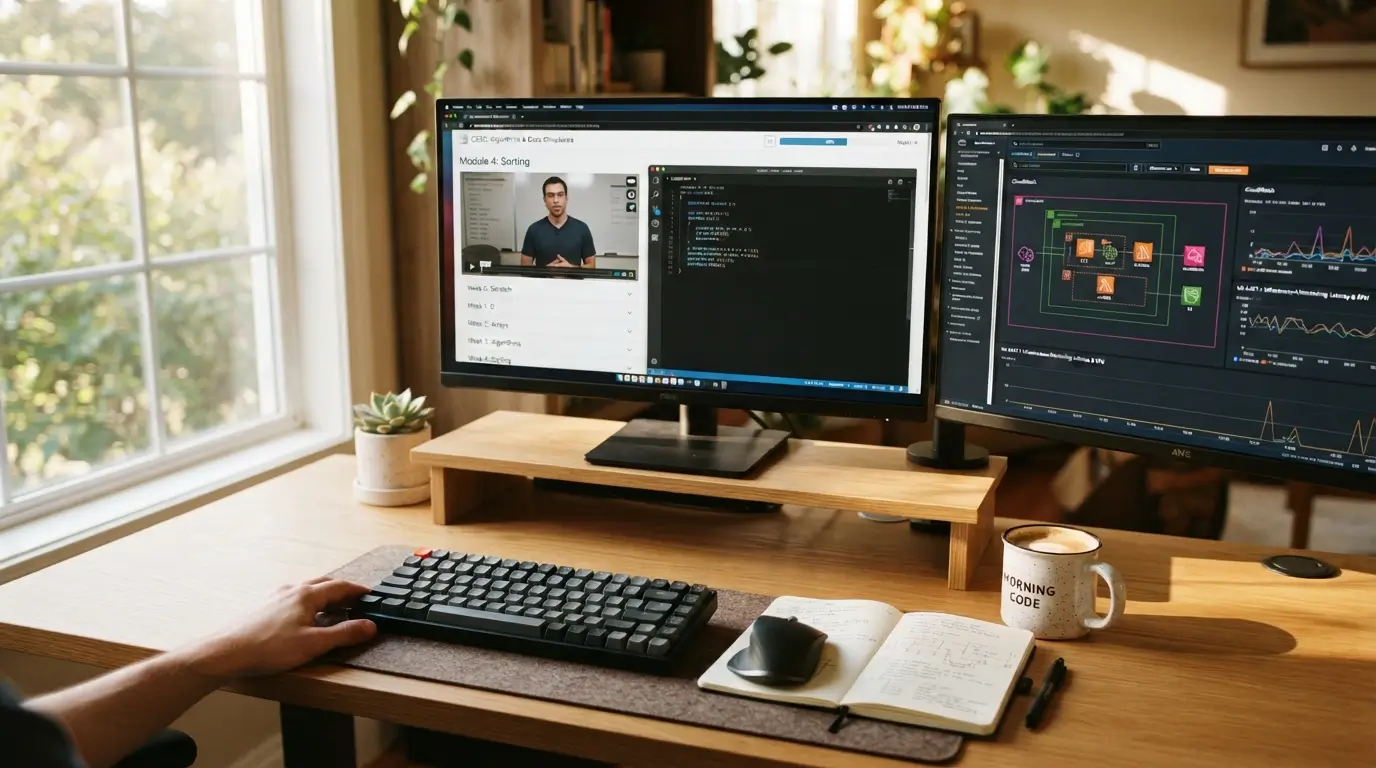
Built as an open-source non-profit, freeCodeCamp removes financial barriers entirely by offering a full curriculum covering responsive web design, JavaScript algorithms, and relational databases. You write code directly in an interactive browser editor that tests your output against automated unit tests. This platform is ideal for self-directed beginners who want a clear path without spending thousands of dollars on bootcamps. Their project-based curriculum forces you to build functional applications, such as quote generators and portfolio sites, before earning certifications.
The main trade-off is the lack of direct human support when you get stuck, requiring you to search community forums and debug issues independently.
3. Scrimba
Traditional video tutorials force you to pause, switch windows, and try to replicate code in your own editor. Scrimba fixes this frustration by rendering an interactive code editor directly inside the video stream. You can pause the teacher at any second, edit their code right on the screen, run it, and continue watching. It works wonders for visual learners tackling HTML, CSS, JavaScript, and React. Their interactive screencasts make front-end web development feel approachable and immediately testable.
However, Scrimba focuses heavily on front-end development, so you will need to look elsewhere if your primary goal is backend systems engineering, cybersecurity, or cloud infrastructure.
4. Pluralsight
Enterprise engineering teams rely on Pluralsight because its path assessments pinpoint technical deficiencies with surgical accuracy. The platform covers network engineering, cloud administration, cybersecurity, and enterprise backend architectures in deep detail. It fits intermediate to advanced IT professionals who want to prepare for vendor certifications like CompTIA, Cisco CCNA, or AWS Certified Solutions Architect. Their proprietary Skill IQ assessment saves you dozens of hours by testing your current knowledge and skipping beginner topics you already know.
On the flip side, the subscription price is relatively high for casual hobbyists, and some legacy video courses in the catalog feel dated despite periodic updates.
5. Frontend Masters
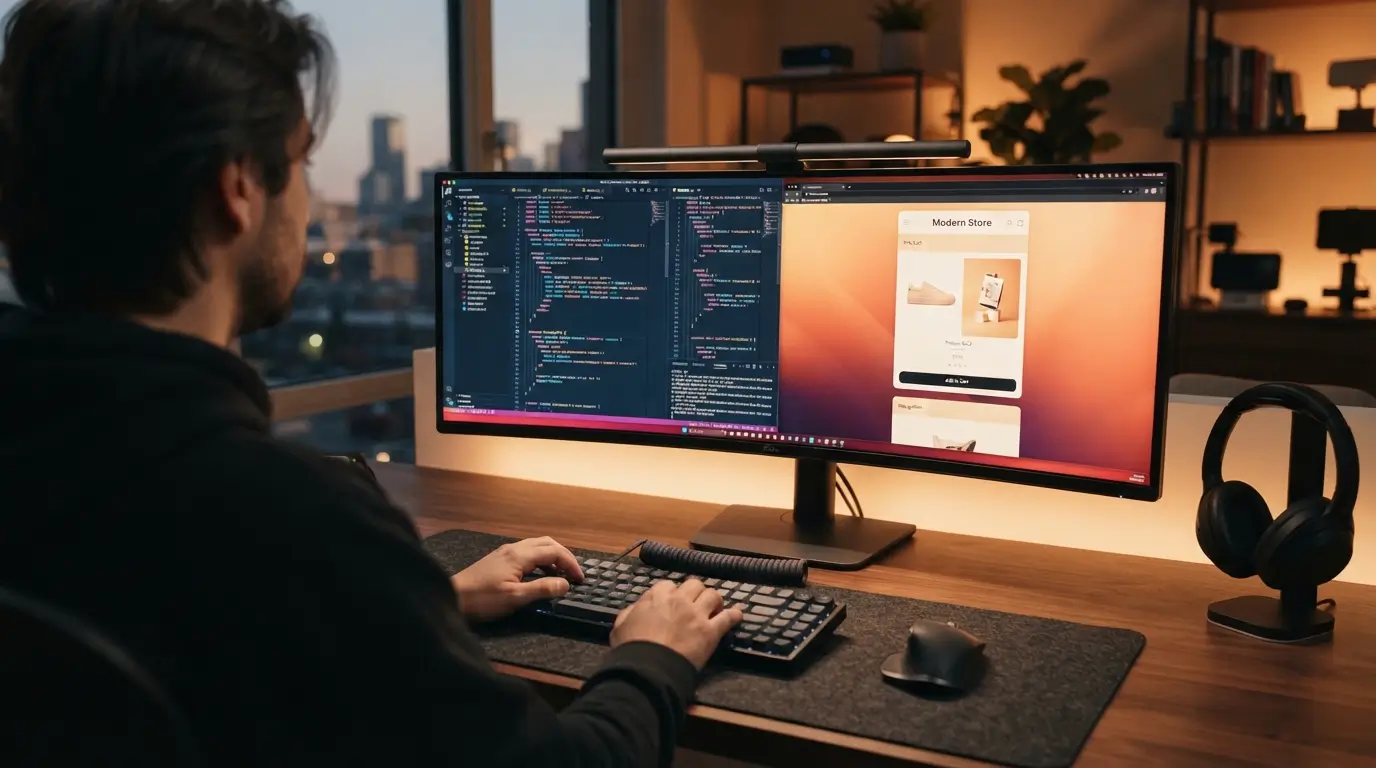
Senior engineers and open-source library authors lead every workshop on Frontend Masters. The platform skips basic syntax drills and dives straight into JavaScript engine mechanics, TypeScript architectures, web performance optimization, and design systems. It is best for working developers who want to jump from junior to senior engineering roles. Their in-depth workshop format feels like attending a private masterclass taught by the very people who build modern web tooling.
The honest trade-off is the steep learning curve, which will overwhelm complete beginners who lack a solid baseline in web development fundamentals.
6. Udacity
Udacity pairs rigorous project rubrics with human code reviews on every single submission. You build substantial portfolio pieces, such as full-stack apps, autonomous vehicle computer vision models, or data pipelines, which human mentors review line by line. It suits structured learners who need external accountability and detailed feedback to stay motivated. Finding the best online resources for learning technology and digital skills often depends on whether you receive human critiques, and Udacity delivers actionable code feedback within hours.
The major downside is the heavy price tag, as Nanodegree programs cost hundreds of dollars per month compared to low-cost subscription libraries.
7. DataCamp
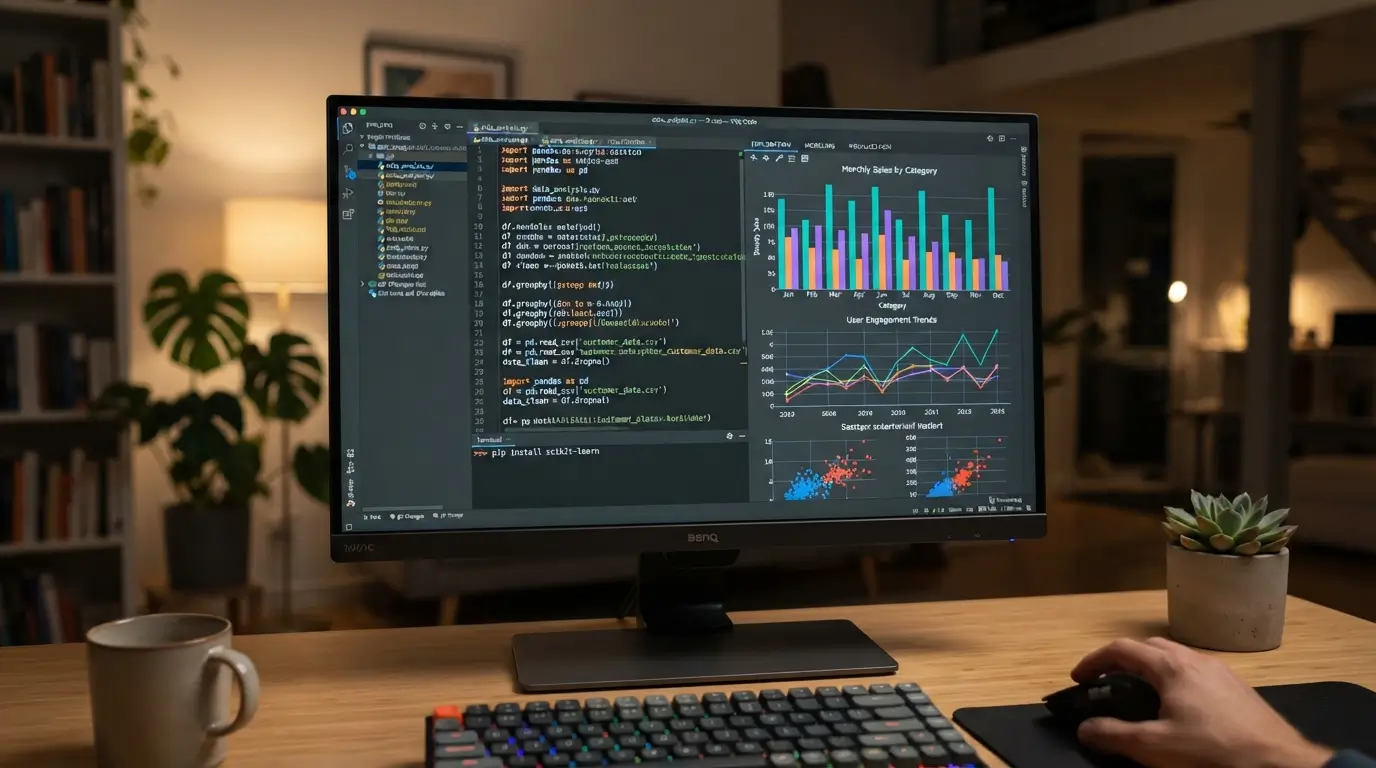
Practicing data science requires immediate feedback on SQL queries and Python scripts without spending hours installing local environments. DataCamp provides short, bite-sized video lessons followed immediately by in-browser coding exercises focused on data cleaning, visualization, and statistical modeling. It works best for business analysts, marketers, and researchers who want to automate data tasks with Python, R, and SQL. Their interactive coding console lets you run real data manipulation scripts without breaking a local configuration.
The downside is that the platform often provides too much starter code, which can make exercises feel like fill-in-the-blank puzzles rather than authentic problem solving.
8. edX
Academic rigor defines the edX catalog, featuring foundational computer science tracks from institutions like Harvard, MIT, and Oxford. Signature programs like Harvard’s CS50 teach computational thinking, memory allocation in C, algorithms, and web basics with unmatched production quality. It is ideal for self-taught programmers who want to fill theoretical knowledge gaps and understand how computers work under the hood. Building strong computer science foundations through edX gives you the mental models needed to pick up new frameworks easily.
The primary trade-off is the dry, lecture-heavy format of some university courses, which demand immense discipline and patience compared to interactive coding apps.
9. GitHub Skills
Relying purely on curated course platforms often leaves developers unprepared for real production documentation and terminal commands. GitHub Skills bridges this gap by teaching git version control, branch management, merge conflict resolution, and CI/CD automation through interactive repositories. It suits developers who understand basic syntax but feel terrified of breaking a team codebase with Git. Practicing with real-world workflow practice inside actual GitHub repositories builds muscle memory that directly mirrors a professional engineering job.
The limitation is that GitHub Skills contains no video explanations or conceptual lectures, making it purely a text-based, self-guided tool.
How to Select the Best Online Resources for Learning Technology and Digital Skills
Choosing among the best online resources for learning technology and digital skills comes down to how your brain absorbs abstract concepts. Some learners thrive when an interactive sandbox provides instant feedback on every line of syntax, while others need university lectures to understand the underlying theory. Prioritize platforms that force you to write code from scratch on your own machine rather than spoon-feeding you pre-written boilerplate. Relying on the best online resources for learning technology and digital skills only produces results when you commit to active writing over passive watching. Dedicating sixty percent of your time to hands-on building time ensures you develop problem-solving resilience rather than relying on endless tutorial loops. Test a free trial or introductory module before committing cash, and stick to one curriculum until you complete a functional project.

Frequently Asked Questions
What are the best online resources for learning technology and digital skills on a tight budget?
Platforms like freeCodeCamp, Harvard’s CS50 on edX, and open-source documentation offer comprehensive training without charging a dime. YouTube channels from verified software engineers also provide free walkthroughs. You only need paid platforms if you require human project grading, customized mentorship, or specific enterprise certifications.
How many hours each week should I spend studying tech skills?
Aim for seven to ten focused hours per week distributed across short daily sessions. Consistency beats weekend cramming because muscle memory and syntax retention require frequent repetition. Spending one hour every day writing actual code produces better long-term understanding than a single eight-hour marathon on Sunday afternoon.
Are certificates from online learning platforms respected by tech employers?
Hiring managers care far more about functional GitHub portfolios and live deployed projects than completion certificates. A certificate shows baseline interest, but a working web application demonstrates actual competency. Use platform certificates as personal milestones, but rely on your portfolio during technical interviews.
Should beginners start with interactive platforms or video tutorials?
Interactive platforms work better for early beginners because typing code inside the browser builds immediate confidence without setup headaches. Once you grasp core syntax rules, switch to building local projects on your personal machine so you learn how to configure real developer tools and debugging environments.
What is the biggest mistake people make when learning digital skills online?
Tutorial paralysis traps thousands of students who endlessly watch videos without writing their own software from scratch. Following a guided walkthrough gives an illusion of competence that evaporates the moment you face a blank code editor. Build small, messy side projects independently to test your genuine grasp.
Conclusion
Gaining technical competence comes down to writing code and solving errors on your own machine rather than passively streaming lectures. Pick one platform from this list, commit to thirty days of consistent practice, and build something tangible before buying another course. Which skill are you planning to learn first?
Also Read; How to Avoid Distractions and Stay Focused During Study Sessions 2026