

Finding the best free ai tools everyone should know about in 2026 saved my sanity when my freelance workload doubled. I was drowning in endless admin tasks, blurry images, and awful audio files before testing these. Honestly, most free options online are complete trash that trick you with hidden paywalls. But a few hidden gems actually deliver premium results without asking for a credit card.
Finding the best free ai tools everyone should know about in 2026
I spent months filtering through bloated platforms to bring you this exact list of high-value utilities. These applications do not require a credit card and offer genuine utility for creators, writers, and organizers alike.
1. NotebookLM by Google
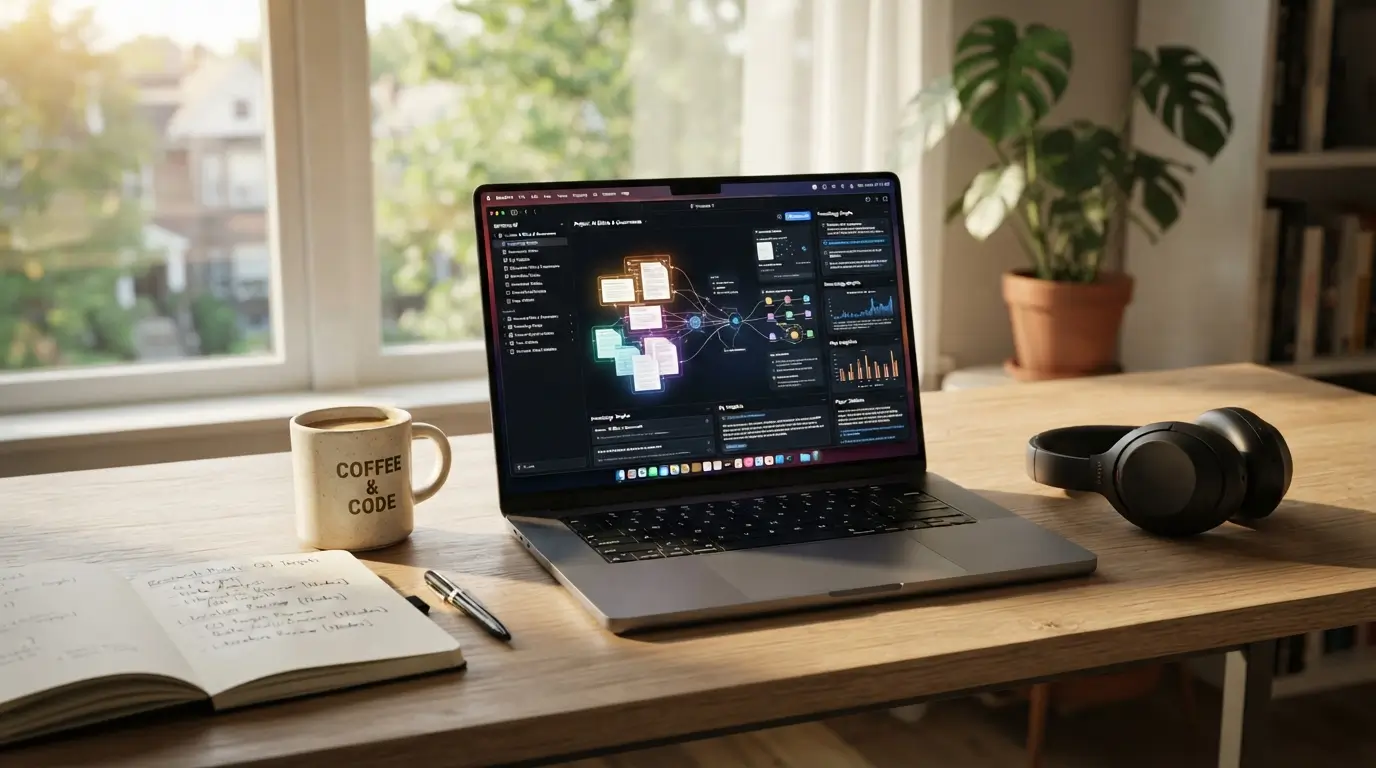
Google NotebookLM completely changed how I organize messy research documents and podcast scripts. You simply upload your PDFs, notes, or links, and it instantly generates a highly interactive workspace. It acts like a personal research assistant that understands your specific data inside out.
My favorite feature is the audio overview, which creates a shockingly realistic two-person podcast discussing your uploaded material. It is easily one of the most versatile platforms on this list because it actually respects your data privacy while delivering incredible analysis.
2. Claude (Free Tier)
Anthropic Claude remains my absolute favorite writer for drafting natural emails and proofreading long articles. The free version easily outperforms other models when it comes to capturing a warm, conversational human tone. I use it daily to clean up clunky sentences and brainstorm creative angles for my writing projects.
The system handles complex instructions beautifully without sounding like a robotic algorithm. You will notice a massive difference in how it structures nuanced discussions compared to more rigid competitors.
3. Krea AI
Krea AI is the software you need if you want to generate high-quality images and upscale blurry photos instantly. The real-time generation editor lets you sketch a basic shape and watch it turn into beautiful digital art right before your eyes. I use it regularly to clean up low-resolution graphics for my blog posts.
Its enhancer tool is the real star here, bringing incredible clarity to old photos. It easily ranks among the best free AI tools everyone should know about in 2026 for visual creators.
4. CapCut Online
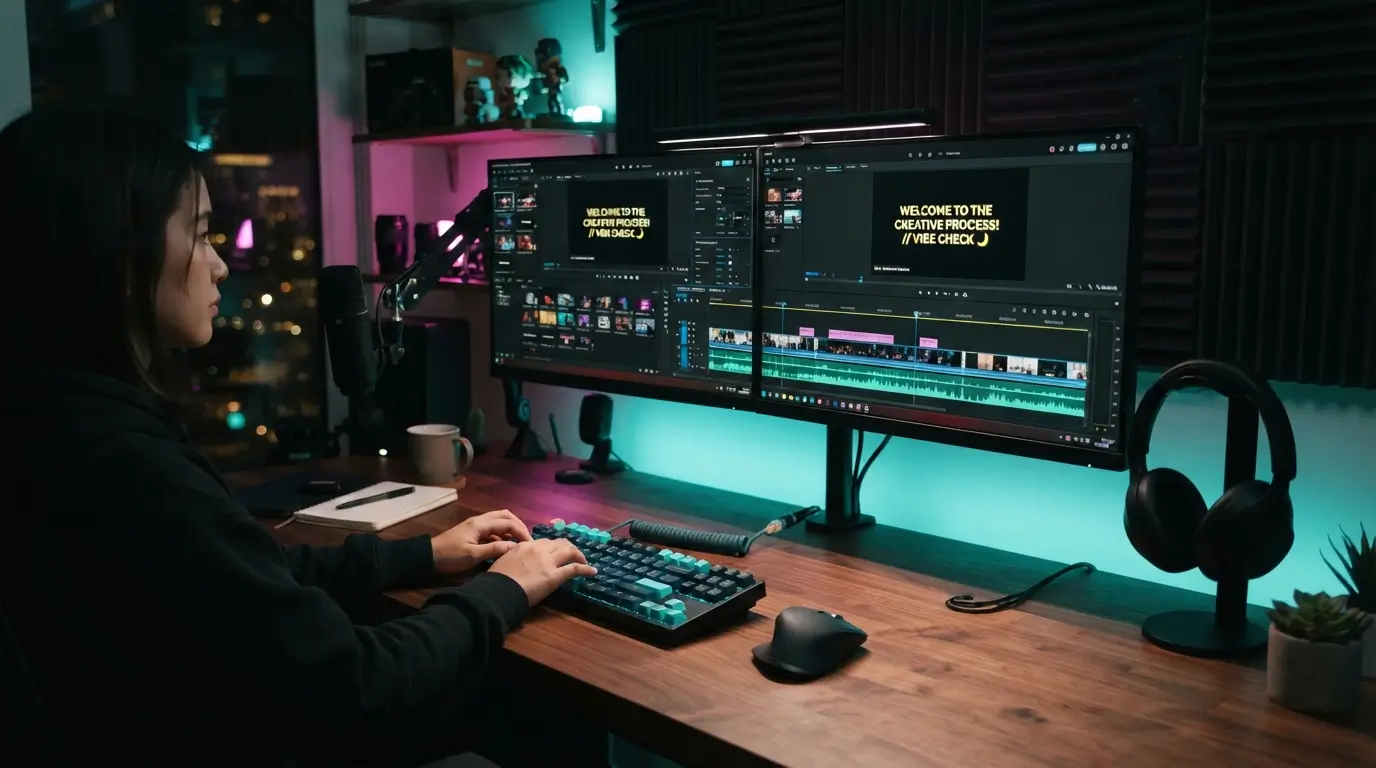
Editing video content used to take me hours of tedious chopping and color correcting. CapCut Online solves this by offering automatic captions, smart background removal, and voice-to-text tools completely for free. You do not even need a powerful computer because everything runs directly inside your web browser.
The auto-caption tool is incredibly accurate, saving me from typing out subtitles manually. It is a massive lifesaver for anyone making quick social media clips on a tight schedule.
5. ElevenLabs (Free Tier)
Voice generation used to sound incredibly robotic, but ElevenLabs completely changed that reality for creators. The free tier gives you access to the most realistic text-to-speech voices available online today. I use it to narrate short presentations and preview how my written articles sound when spoken aloud.
You get a generous monthly allowance of characters that resets automatically. For generating natural voiceovers without hiring expensive voice actors, nothing else comes close.
6. Gamma App
Creating slide decks for work presentations used to be my least favorite chore. Gamma App generates beautiful, professional presentations, webpages, and documents from a simple text prompt in seconds. It handles the layout, fonts, and images so you can focus entirely on the actual content.
You can easily customize any block with their drag-and-drop editor if you dislike the initial layout. It is perfect for compiling polished business pitches without spending hours fighting with formatting tools.
7. Perplexity AI
Searching the web often feels like wading through an ocean of ads and sponsored links. Perplexity AI replaces traditional search by giving you direct, cited answers to your questions with source links included. I use it as my primary research tool because it cuts out the clutter and gets straight to the facts.
The platform organized my entire planning phase for a recent project in minutes. It is a brilliant alternative for gathering reliable online research without clicking through dozens of spammy websites.
8. Photoroom
Product photography can get incredibly expensive if you are trying to run a small e-commerce shop. Photoroom allows you to instantly swipe away messy backgrounds and replace them with studio-quality settings. It makes amateur phone photos look like they were taken by a professional photographer.
The free version is remarkably precise at cutting out complex shapes like hair or transparent glass. This tool is essential for creating clean product listings that actually convert casual browsers into buyers.

9. Goblin Tools
Neurodivergent folks and chronic procrastinators will absolutely love what Goblin Tools has to offer. This collection of single-task utilities breaks down massive, overwhelming projects into tiny, manageable steps. I use the Magic To-Do feature whenever a massive task paralyzes my ability to start working.
You can adjust the spiciness level to control how detailed the breakdown of tasks becomes. This is easily one of the best free ai tools everyone should know about in 2026 for managing daily executive dysfunction.
10. Adobe Firefly (Free Tier)
Generative fill used to require a costly Photoshop subscription, but Adobe opened up the tech for everyone. Firefly lets you add, remove, or modify elements inside your images using simple text commands. It uses ethical training data, which means you can use the generated images safely for commercial purposes.
I frequently use it to remove unwanted photobombers or distracting power lines from my landscape shots. It remains a top choice for ethical image generation without any subscription fees.
11. Remove.bg
Isolating subjects from busy backgrounds used to require tedious manual masking. Remove.bg does this task automatically in less than five seconds with a single click. I keep this bookmarked on my browser because it saves me so much time when creating collages or graphics.
The edge detection handles complex details like wind-blown hair and fuzzy sweaters incredibly well. It is easily the quickest utility for removing image backgrounds on the fly.
12. Otter.ai (Free Tier)
Transcribing long meetings or interviews by hand is easily one of the most tedious administrative tasks. Otter.ai attends your virtual calls and writes down every word spoken with impressive speaker identification. I rely on it during client calls so I can focus on the conversation instead of taking frantic notes.
The free tier gives you plenty of monthly minutes to transcribe live conversations or uploaded audio files. It is an invaluable helper for maintaining accurate meeting records without doing any manual typing.
13. LALAL.AI (Free Pack)
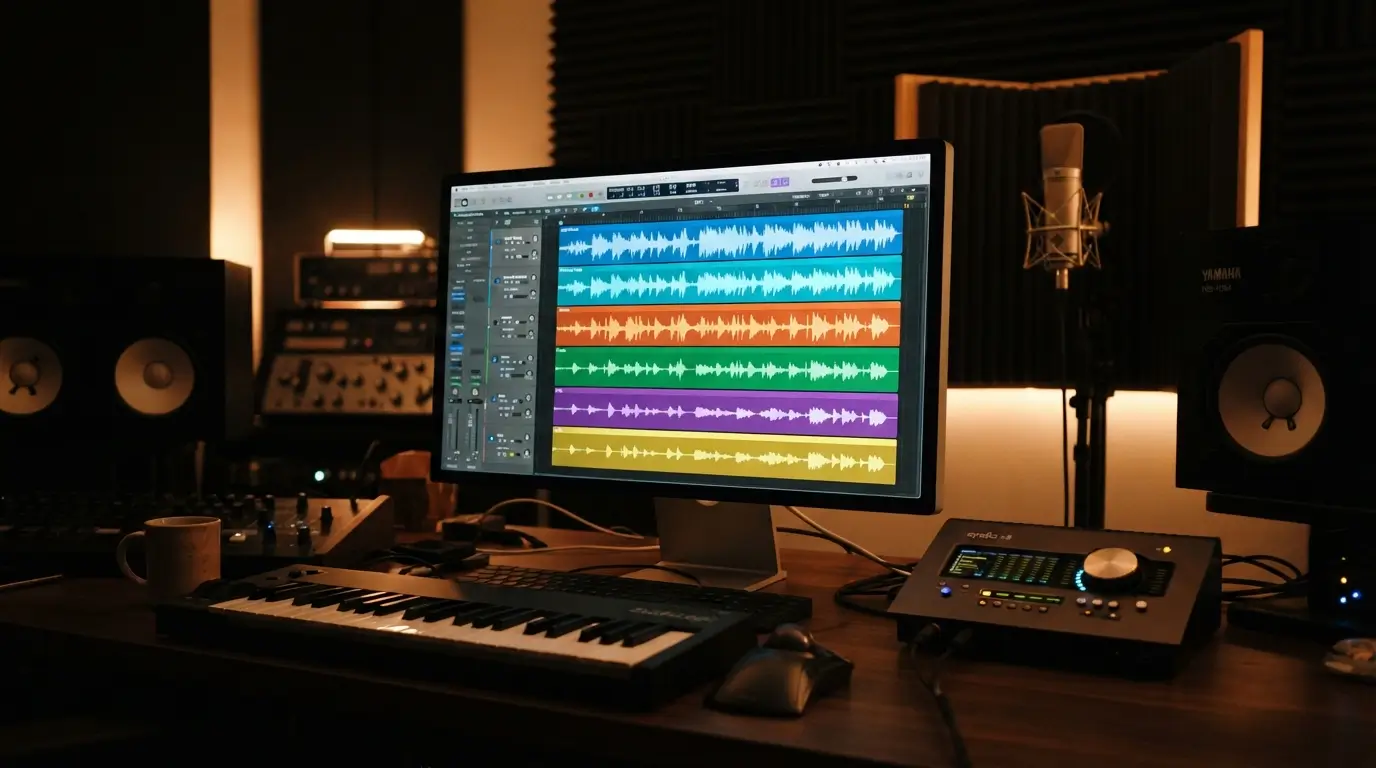
Extracting vocals or instrumental tracks from a song used to be nearly impossible for amateur music producers. LALAL.AI uses advanced stem splitting to isolate vocals, drums, bass, and acoustic guitars with pristine quality. I use it to create clean acapellas for vocal mashups and instrumental tracks for practice.
The algorithm works incredibly fast without degrading the original audio quality of your upload. For anyone working with audio, it provides unmatched stem separation without any upfront costs.
How to get the most out of free AI platforms
Many people download software without a plan, quickly hitting monthly limits or getting frustrated by restrictions. To avoid this, you should always keep a few strategic practices in mind.
First, utilize multiple accounts if you frequently run out of generation credits on platforms like Claude or Krea. This is completely legal and helps you bypass daily limits during busy workweeks.
Second, combine different applications to create a seamless workflow. For example, use Perplexity to research an article, Claude to draft it, and Photoroom to create the featured image.
Lastly, remember that free versions often use your inputs to train their models. Never upload sensitive personal data, corporate secrets, or confidential client documents to these public servers. Keeping these boundaries in mind ensures you enjoy the best free ai tools everyone should know about in 2026 without compromising your privacy.
Frequently Asked Questions
Are these tools actually free, or are there hidden costs?
Every platform mentioned here features a genuinely functional free tier. While they all offer paid upgrades for heavy users, you can easily use their basic features without ever entering a credit card. I use these free tiers daily for my own projects without spending a single dime.
What makes these the best free ai tools everyone should know about in 2026 compared to paid ones?
These specific utilities offer premium-level performance without the monthly subscription fees. They bridge the gap between expensive enterprise software and basic tools, letting average users access high-end generation, editing, and research features. You get maximum efficiency and top-tier results without putting a dent in your monthly budget.
Do I need a powerful computer to run these programs?
You do not need an expensive setup because almost all of these applications run directly in your web browser. The heavy processing happens on their cloud servers rather than your local machine. This means you can use them on an older laptop or even a basic smartphone.
Will my personal data be safe when using these applications?
Most free platforms use your inputs to train their algorithms unless you manually opt out in the settings. You should always avoid uploading highly sensitive information like financial documents or private company records. Treat them like public forums and focus on creative or general research tasks instead.
Can I use the images and videos generated here for commercial work?
Many of these platforms allow commercial use, but you must always double-check their specific terms of service. Adobe Firefly, for instance, is specifically designed to be commercially safe. Others might restrict free-tier outputs to personal use or require you to credit their platform.
Conclusion
Finding the right setup does not have to cost a fortune if you know where to look. I highly recommend trying a couple of these options today to see how much time they can save you. Which of these utilities are you planning to try out first?
Also Read; Latest Technology Innovations That Are Changing the Modern World 2026